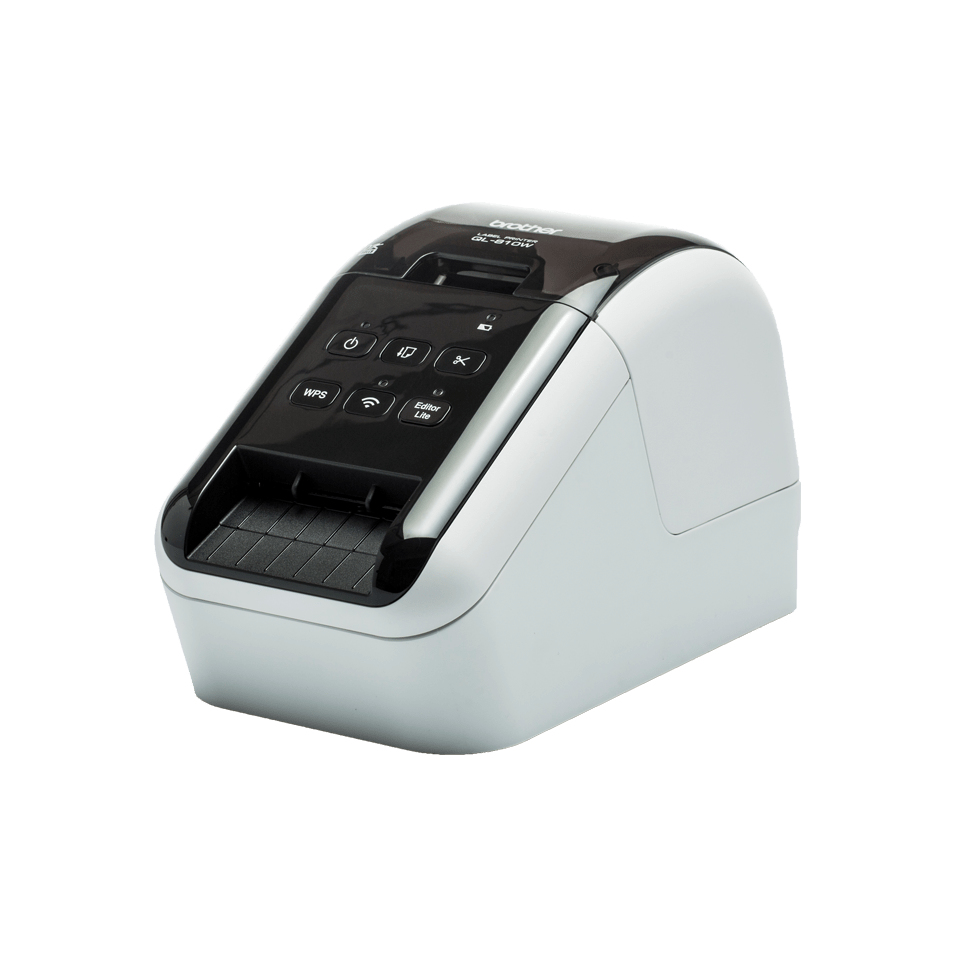
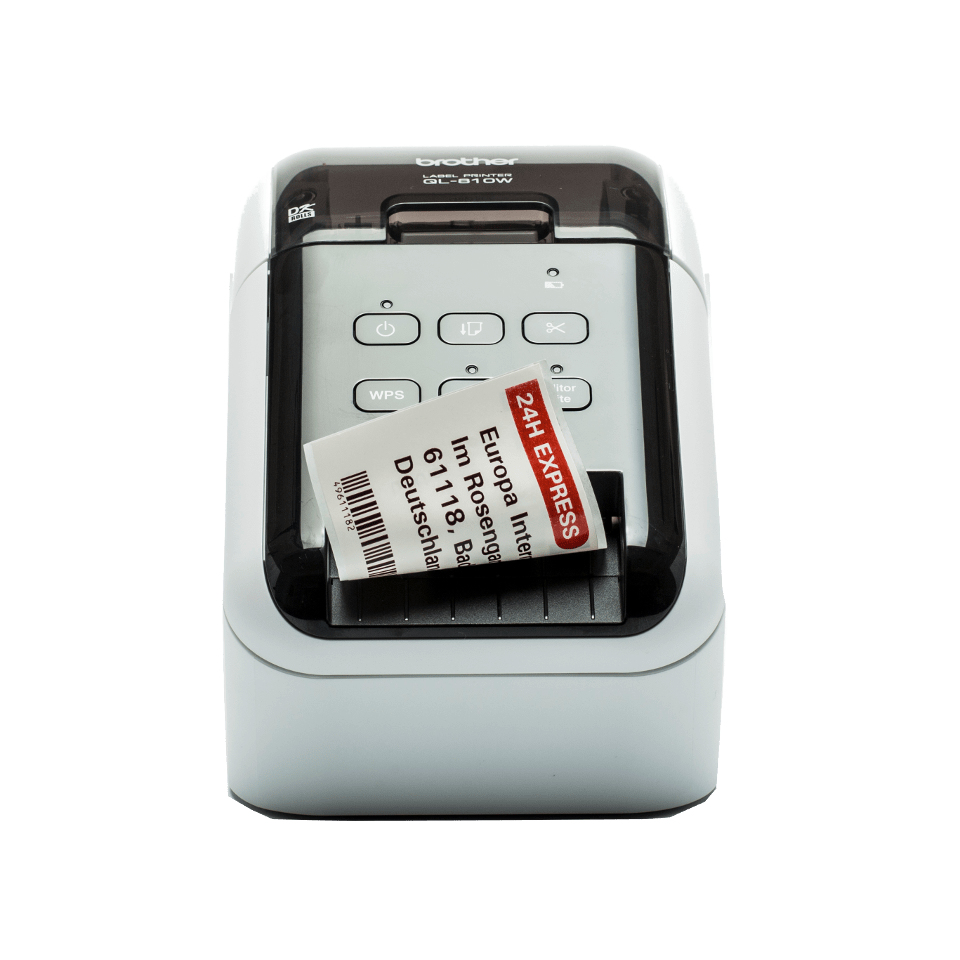
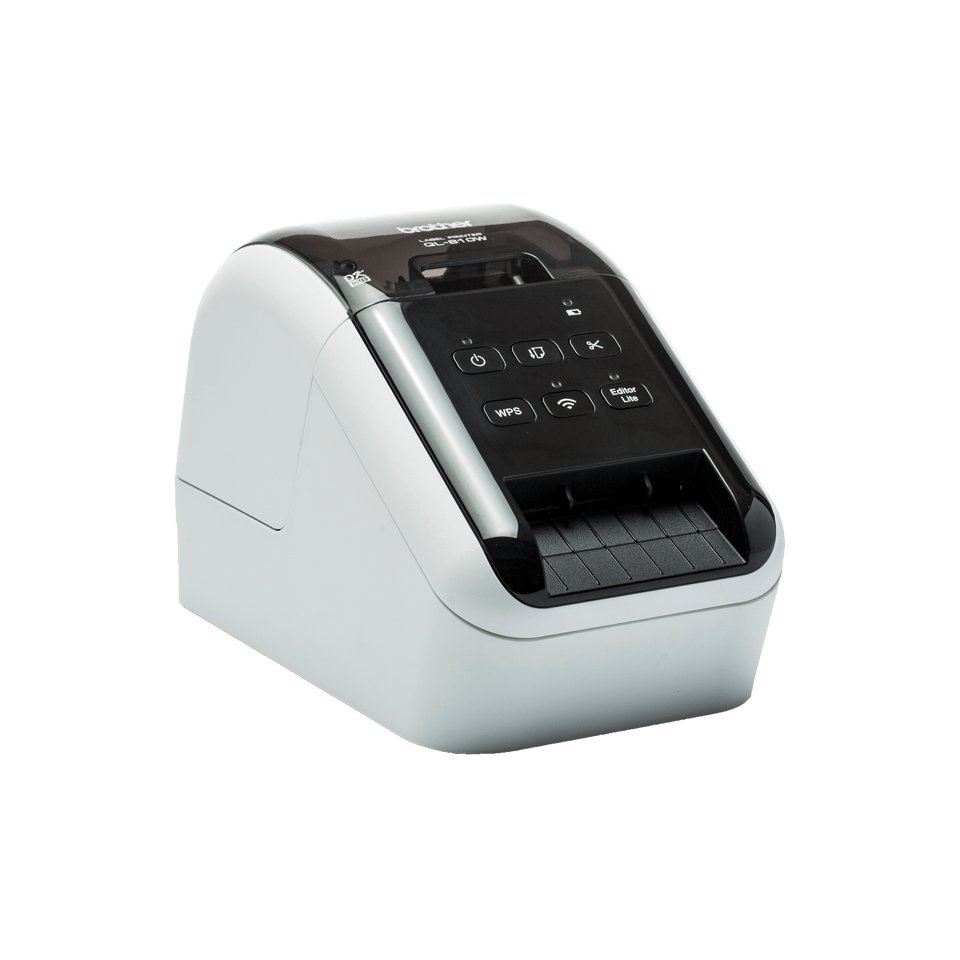
Large range of labels for any application The QL series label printers use Brother DK rolls - that easily slot-in for fast label changes. Several types are available: - Pre-sized die-cut adhesive labels in paper and plastic film material. - Continuous adhesive labels in paper and plastic film material that can be cut to the length you need (up to 1 metre). - Non-adhesive card ideal for receipts and name badges. - Removeable adhesive for repositionable labels. Optional Li-ion battery base There are situations where you may need to print labels away from a power source, such as use on a portable trolley and printing from a tablet in retail, healthcare or similar industries. The optional Li-ion battery base has a fast charge function, and lasts for thousands of labels on a full charge. Print any size labels, in black and red Rolls are available in a range of traditional die-cut (pre-sized) labels, or continuous that lets the built-in cutter cut your label to the precise length (up to one metre). And now you can draw attention to important information by including red* on your labels too - ideal for highlighting use-by dates, allergens and other critical information. Print from PC, Mac, iOS and Android devices Choose from several options for designing and printing labels. Download for free the P-touch Editor label design software for PC and Mac to design labels with text, barcodes, images and frames. Alternatively, head on over to your app store to download the free iPrint & Label app for iOS and Android, then quickly create and print labels from your mobile devices, wirelessly. Print labels the way you want This advanced label printer is designed for the demands of a busy workplace, yet easy to set-up and use. Using the same technology as USB pen drives, simply connect to your PC or Mac, and run the built- in software. No need to install printer drivers. Alternatively download the free P-touch Editor label design software and printer drivers to design and print fully customised labels containing text, frames, barcodes and images. And easily share the printer with colleagues over your wireless network using P-touch Editor Lite LAN software. Works with Microsoft Word/Excel/Outlook Highlight, click and print your text data directly from Word, Excel and Outlook with just a click! The P-touch Editor add-in for Microsoft Office (Windows only) allows you to print labels with the information you use every day. Alternatively, if you have text saved in an Excel or .csv file, import this into P-touch Editor and simply place each field on your label layout to print many labels with the same format (design). Ideal for printing address, product and pricing labels.